I had this question twice in the past three months, so somehow this is something which isn’t clear to everyone. With HA Admission Control you set aside capacity for fail-over scenarios, this is capacity which is reserved. But of course VMs also use reservations, how can you see what the total combined used reserved capacity is including Admission Control?
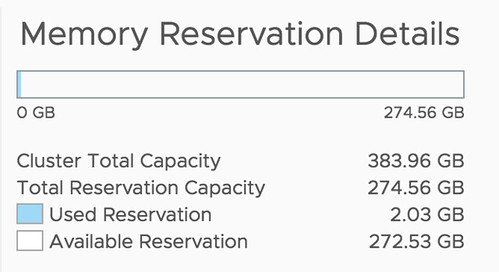
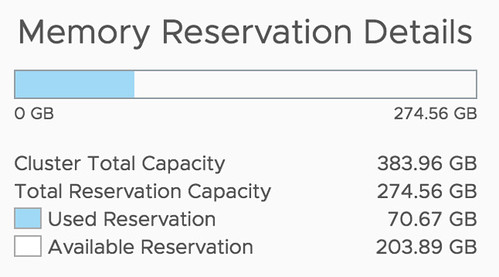
Well, that is actually pretty simple it appears. If you open the Web Client, or the H5 client, and go to your cluster then you have a “Monitor” tab, under the Monitor tab there’s an option called “Resource Reservation” and it has graphs for both CPU as well as Memory. This actually includes admission control. To verify this I took a screenshot in the H5 client before enabling admission control, and after enabling it, as you can see a big increase in “reserved resources”, which indicates that admission control is taken into consideration.
Before:
After:
This is also covered in our Deep Dive book, by the way, if you want to know more, pick it up.
 Another amazing story was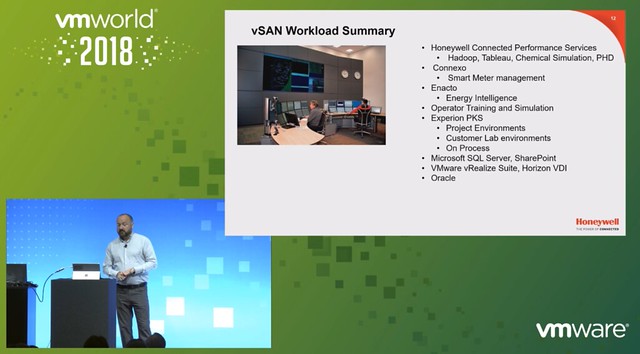
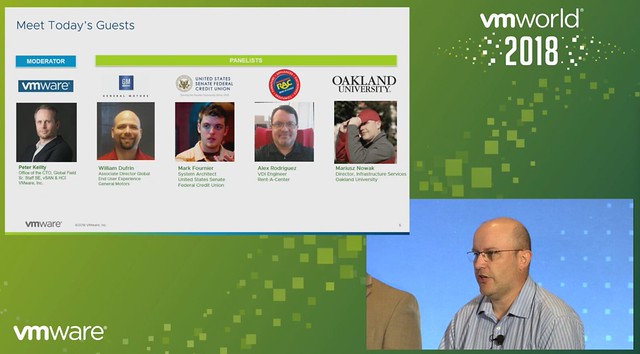
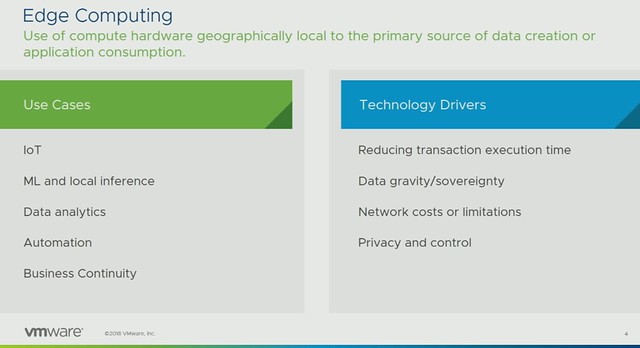
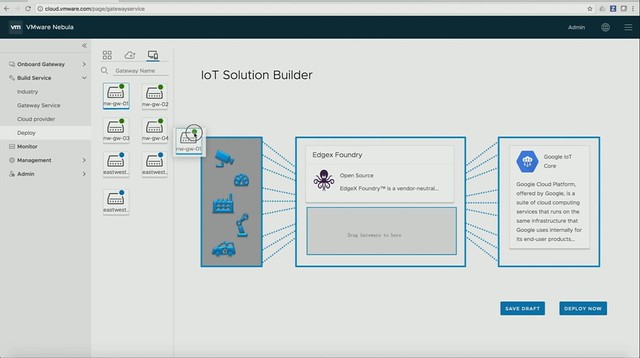
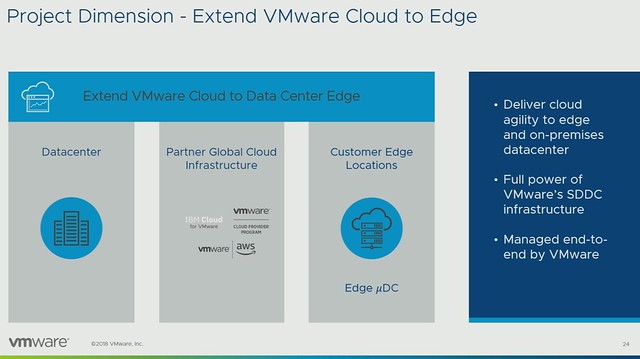
 Norwegian Cruise Line mentioned that they also still use traditional storage, same for ConAgra. It is great that you can do this with vSAN, keep your “old investment”, while building out the new solution. Over time most applications will move over though. One thing that they feel is missing with hyper-converged is the ability to run large memory configurations or large storage capacity configurations. (Duncan: Not sure I entirely agree, limits are very close to non-HCI servers, but I can see what they are referring to.) One thing to note as well from an operational aspect is that certain types of failures are completely different, and handled completely different in an HCI world, that is definitely something to get familiar with. Another thing mentioned was the opportunity of HCI in the Edge, nice small form factor should be possible and should allow running 10-15 VMs. It removes the need for “converged infra” in those locations or traditional storage in general in those environments. Especially now that compute/processing and storage requirements go up at the edge due to IoT and data analytics that happens “locally”.