On Slack someone asked why the vMotion check for vSAN 6.6 Health Check was failing constantly. It was easy to reproduce when using the vMotion IP Stack on your vMotion VMkernel interface. I went ahead and tested it in my lab, and indeed this was the case. I looked around and then noticed the following in the vSAN 6.6 release notes:
vMotion network connectivity test incorrectly reports ping failures
The vMotion network connectivity test (Cluster > Monitor > vSAN > Health > Network) reports ping failures if the vMotion stack is used for vMotion. The vMotion network connectivity (ping) check only supports vmknics that use the default network stack. The check fails for vmknics using the vMotion network stack. These reports do not indicate a connectivity problem.Workaround: Configure the vmknic to use the default network stack. You can disable the vMotion ping check using RVC commands. For example: vsan.health.silent_health_check_configure -a vmotionpingsmall
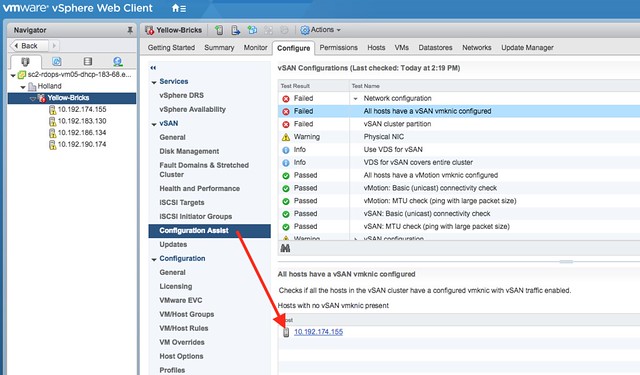
I guess that clarifies things, so I figured I would test it. Here’s what it looked like before I disabled the checks:
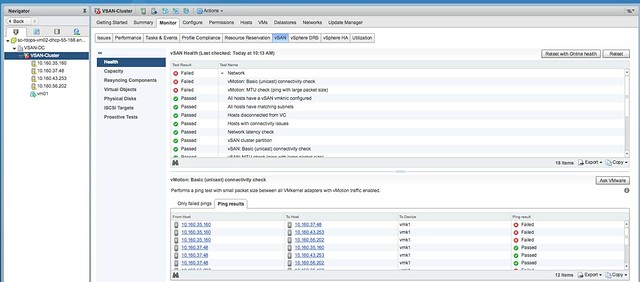
I used RVC to disable the checks, let me show two methods:
vsan.health.silent_health_check_configure -a vmotionpingsmall /localhost/VSAN-DC/computers/VSAN-Cluster
Note that you will need to replace the “VSAN-DC/..” with your cluster and datacenter name. This disables the vMotion ping test. The other is running this command in interactive mode, that will allow you to simply enter the number of the specific test that needs to be disabled. It will list all tests for you first though.
vsan.health.silent_health_check_configure -i /localhost/VSAN-DC/computers/VSAN-Cluster
The vMotion tests are somewhere half down:
44: vMotion: Basic (unicast) connectivity check
45: vMotion: MTU check (ping with large packet size)
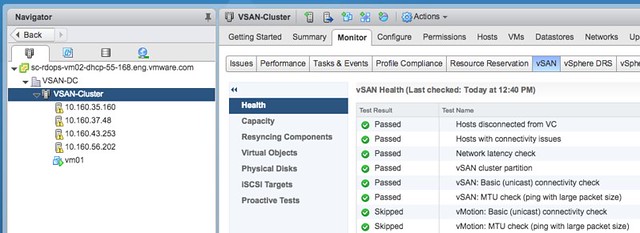
And of course this doesn’t only apply to the vMotion tests, with vSAN 6.6 (vCenter 6.5.0d) you can also disable any of the other tests. Just use the “interactive” mode and disable what you want / need to disable.
<UPDATE>
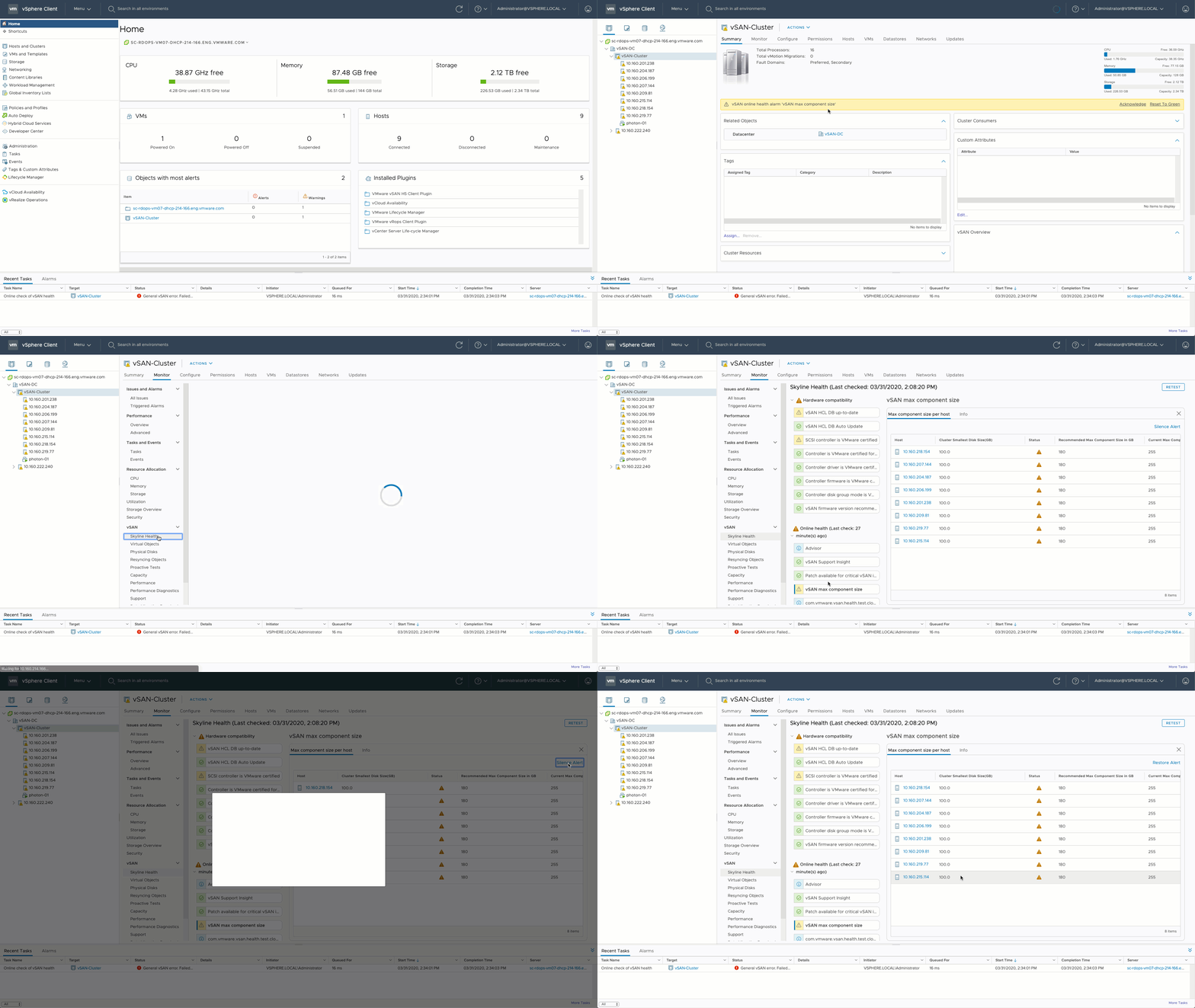
Note that you can now also disable health checks in the UI as shown in the GIF below. Click it to watch it!