I was testing VM Monitoring and needed to trigger a Blue Screen of Death. Unfortunately the “CrashOnCtrlScroll” solution did not work so I needed a different solution. I finally managed to get it sorted by doing the following:
Add the following key to your registry by doing a copy and paste of the following line, note that I had to break up the line to make it viewable on my blog unfortunately:
reg add "HKEY_LOCAL_MACHINE\SYSTEM\CurrentControlSet\Control\CrashControl"
/v NMICrashDump /t REG_DWORD /d 0x1 /f
List all VMs running on the host to get the World ID of the VM, SSH into your ESXi 5.0 host and type the following:
esxcli vm process list
Write down or copy the world ID of the VM and send an NMI request to trigger the BSOD, replace “<world id>” with the appropriate ID:
vmdumper <world id vm> nmi
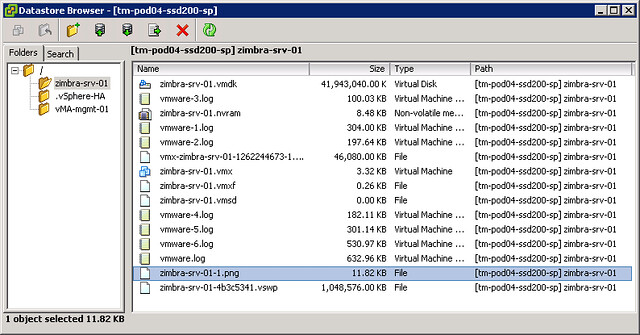
This results in a nice BSOD and followed by a reboot by VM Monitoring including a screenshot of the VMs console (see screenshot below) before the reboot.
Yeah sometimes the crtl scrlk method needs to have a registry set. We would just kill csrss.exe and that causes an immediate blue screen if all else fails…
And we would do that if we were testing stuff.
I used to dump VM’s when they became unresponvice on a host. This is good to know.
NotMyFault.exe from Sysinternals can also generate a BSOD…
http://download.sysinternals.com/Files/Notmyfault.zip
It’s also outlined in http://kb.vmware.com/kb/1009187 just in case 🙂
Is there a way to control the VM Monitoring so if a server ends up in a loop of BSOD’s it stops rebooting it? Not that its a huge deal it does it, but it does seem pointless to take up resources of the boot process (CPU, disk) when its not effective.
yes there is an advanced setting called das.maxfailures which controls this, I believe the default is 3 retries.
That is the same as in the GUI for vSphere 4.x? Where you could set a maximum number of resets per hour?
Funny times when you need to document how to create a BSOD in Windows… I remember the days when all we had to do was use it for a few minutes to get that to happen. 😉
I need to test VM monitoring on CentOS ..any idea how to trigger a failure and recovery for the VM so that I could monitor for HB failure and check for HA?
Sorry, don’t know…