In my Lab I was exploring the upgrade possibilities from ESX 3.5 to the next version. Usually I do a full reinstall just to be absolutely sure there’s no old packages floating around. For testing purposes I decided to do an upgrade of the ESX host. I opened up Update Manager and with a couple simple clicks I upgraded my host to the next version. (I did an upgrade of vCenter and Update Manager before I even started.) I removed a couple of screenshots that didn’t contain much useful info, in total it were 15 steps to create a baseline and update the host:
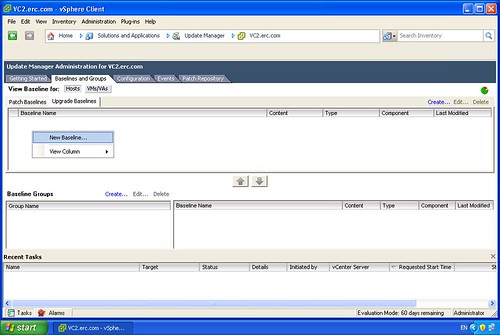
Create a new Baseline:
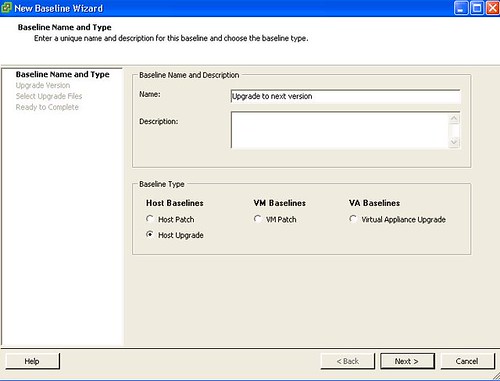
Give it a name and select the Type:
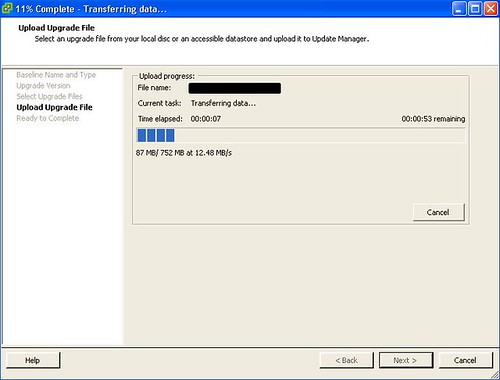
Browse to the ISO of the next generation of ESX and upload it:
Specific parameters of the upgrade, notice that the COS will end up in a VMDK:
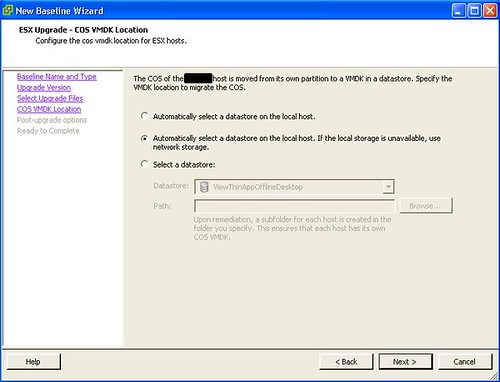
You might want to have an escape option:
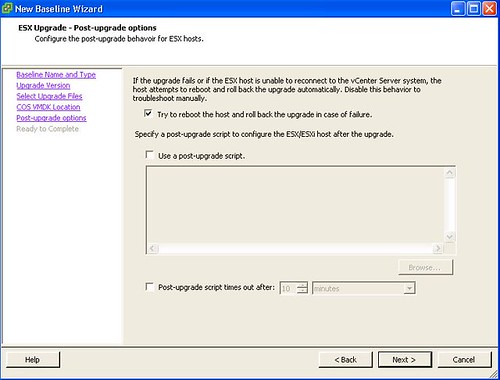
Almost done:

Attach the Baseline to the cluster and all there’s left is “Right click, remediate, next next finish”:
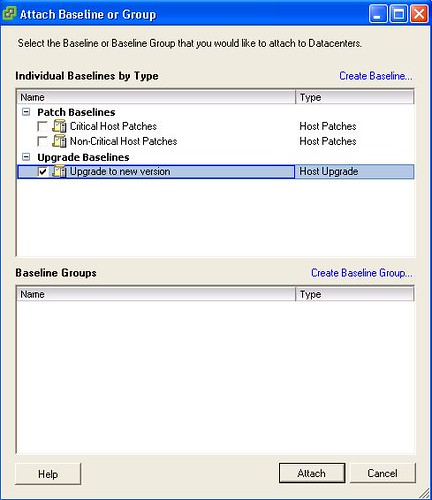
Easy as 1 2 3…
hi..
but aren’t you using the standard VI client? ..the update manager screen shoots are a pretty different from then the VI client 3.5 U4?
thanks
Hi Duncan,
I am hoping from the screenshots shown we dont have to do vmfs upgrades?
It would be nice not to have go through that again 🙂
D
No VMFS upgrade needed indeed.
@Alan: Yes I’m using the new version of VC and Update manager to do the update!
@Duncan….. Your posting screenshots of the new VC/Update manager… The one your under NDA with… the one your not meant to publicly talk about? 🙂
Use host upgrade baselines are very cool, but if you are using a custom partitioning scheme for the COS in ESX Classic, you’ll want to do a manual upgrade. Otherwise, the upgraded COS won’t have those same custom partitions. For example, if you’ve placed /var on a separate partition in ESX 3.5, then after the upgrade /var will be in the same partition as root, and the old ESX 3.5 /var will be located at /esx3installation/var.
Bottom line: if you need custom partitions, VUM and upgrade baselines are not the way to go. At least, that’s been my experience.
What version number is the Update Manager shown in these screenshots?
Would it be possible to retain existing partition sizes during an upgrade from ESX 3.5 to 4.0? I have about a 100 hosts to upgrade and did not want to do a full reinstall.